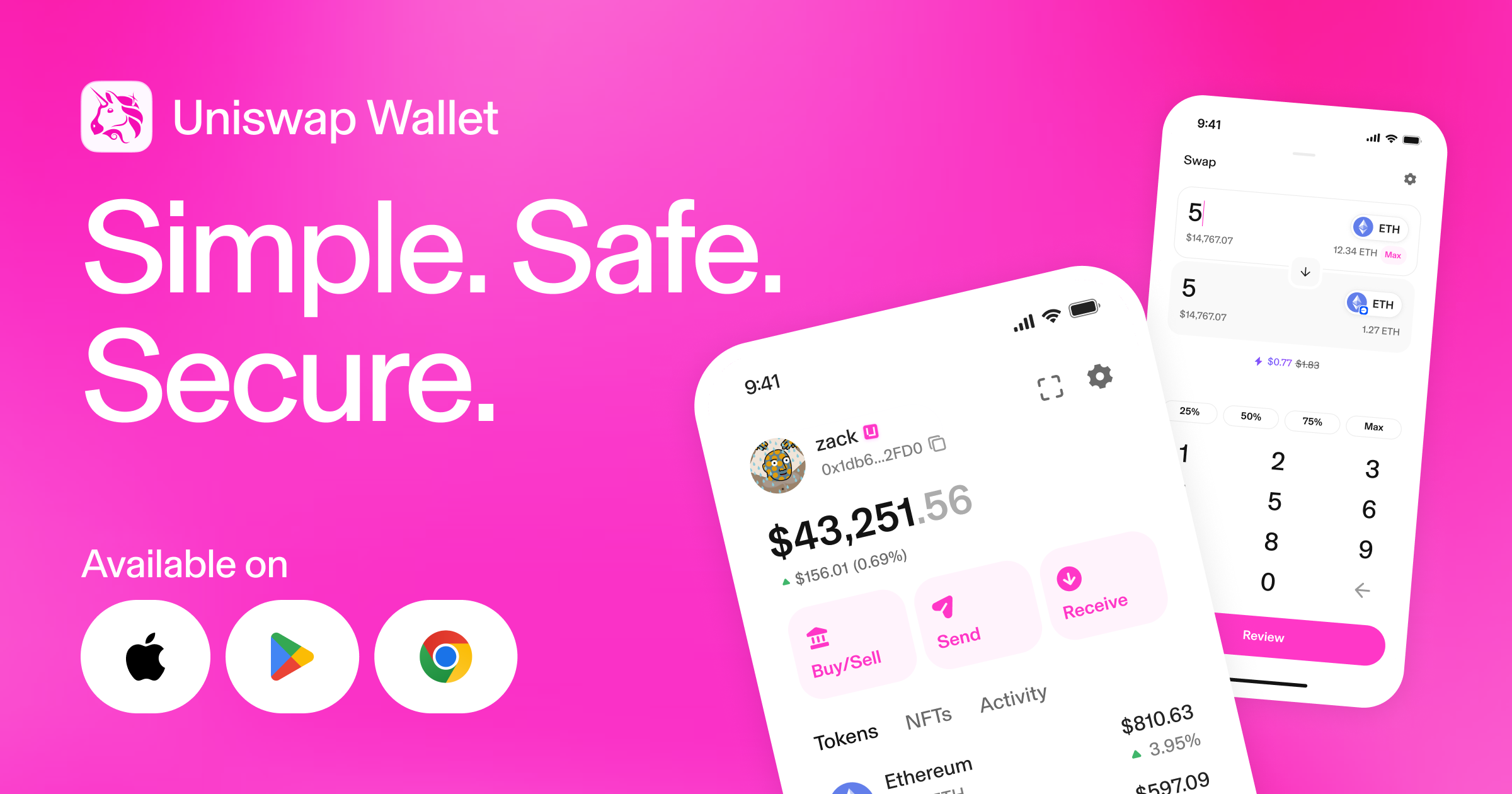
Uniswap wallet: setup, security and network basics
Uniswap wallet Is a practical guide to setup, security and network basics
Uniswap wallet Is the search phrase many people use when they want to understand the wallet experience connected to Uniswap: storing crypto, connecting to the protocol, choosing a network, paying gas, and making swaps. It is not just one action; it is a set of wallet choices and safety habits around Ethereum, layer 2 networks, tokens, approvals, and self-custody.
Uniswap wallet can mean the official wallet app associated with the Uniswap ecosystem, or it can mean any compatible crypto wallet used to access the Uniswap protocol. The difference matters. A wallet holds keys, signs transactions, and displays balances, while the protocol routes token trades through smart contracts. The wallet is your control layer; the decentralized exchange is the market layer.
Uniswap wallet research often starts with a simple goal: buy, sell, send, receive, or hold tokens without depending entirely on a centralized exchange account. That goal comes with responsibility. With self-custody, there is usually no password reset for a lost recovery phrase, no support agent who can reverse a mistaken blockchain transfer, and no guarantee that a token, network, or smart contract is safe. Users should verify current details with official sources before moving funds.
What is Uniswap wallet?
Uniswap wallet is best understood as a self-custody interface for crypto assets that can interact with the Uniswap protocol. It may help a user view tokens, connect to decentralized applications, approve token spending, and sign swaps. The assets are not stored inside a company database in the same way a traditional app might store account balances. They are recorded on blockchains, and the wallet controls the private keys that authorize transactions.
Uniswap wallet is closely tied to UNI in search intent because UNI is the governance token associated with the Uniswap protocol. Holding UNI may allow participation in governance processes, depending on current rules and delegation choices. However, a Uniswap wallet is not limited to UNI. Many users think about it more broadly as a wallet for Ethereum-based tokens, stablecoins, wrapped assets, and supported layer 2 network balances.
Uniswap wallet also sits within a larger DeFi vocabulary. Terms such as seed phrase, recovery phrase, gas, slippage, liquidity pool, token approval, bridge, smart contract, and wallet connection all appear quickly. A useful mental model is simple: the wallet is the signing tool, the blockchain is the settlement layer, and Uniswap is the exchange protocol that helps route trades between compatible tokens.
How does Uniswap wallet work with swaps?
Uniswap wallet works by creating or importing a self-custody account, showing token balances for supported networks, and asking the user to confirm actions before anything is submitted on-chain. When a swap is prepared, the wallet presents transaction details such as the token being sold, the token being received, network fees, and sometimes price impact or slippage settings. The user must review and sign before the transaction can proceed.
Uniswap wallet does not remove blockchain mechanics. A swap may require an approval transaction before the trade transaction if the token has not been approved for smart contract use. That means a user might see two separate prompts and two separate network fees. This is normal in many ERC-20 token workflows, but it is also where people should slow down and check what they are authorizing.
Uniswap wallet activity depends on the selected network. Ethereum mainnet, Base, Arbitrum, Optimism, Polygon, and other supported networks can have different fees, speeds, token availability, bridge requirements, and risk profiles. A token on one network is not automatically the same spendable balance on another. Sending assets on the wrong network or to an incompatible address can create serious recovery problems.
How do you get started with Uniswap wallet?
Uniswap wallet setup begins with choosing a wallet type and understanding what it controls. A new user may create a fresh wallet, back up the recovery phrase, and add funds from an exchange or another wallet. An experienced user may connect an existing wallet to the Uniswap interface. In either case, the first important decision is not which token to trade; it is how to protect the keys.
Uniswap wallet users should treat the recovery phrase as the master key. It should not be typed into random websites, pasted into chats, stored in screenshots, saved in cloud notes, or shared with anyone who claims they can help. A wallet support flow should never require a recovery phrase for ordinary troubleshooting. If a phrase is exposed, the safer assumption is that the wallet is compromised.
Uniswap wallet onboarding is easier when the first transfer is small. A careful user can send a test amount, confirm the address, confirm the network, and check that the balance appears as expected before moving a larger amount. This habit reduces the damage from address mistakes, unsupported networks, copy-and-paste errors, or confusion between similar token symbols.
Create or import the wallet only through a trusted source.
Write down the recovery phrase and store it offline.
Choose the correct blockchain network before receiving funds.
Send a small test transaction before a larger transfer.
Review token approvals and swap details before signing.
For users comparing wallet concepts more broadly, a guide to can help explain custody, keys, and account recovery before using a DeFi trading interface.
What can you use Uniswap wallet for?
Uniswap wallet can be used for several related tasks: holding tokens, receiving funds, sending funds, connecting to DeFi applications, and swapping assets through compatible routes. Many users come for token swaps, but a wallet also becomes the place where they monitor positions, review transaction history, and manage assets across networks.
Uniswap wallet can support everyday DeFi workflows such as moving ETH to a layer 2 network, swapping into a stablecoin, receiving UNI, or checking whether a token balance arrived after a transfer. In practice, the wallet experience is only as reliable as the user’s network selection, address accuracy, and understanding of the asset being handled. A token with the same name may exist on multiple networks or may be an imitation.
Uniswap wallet can also be part of a longer-term storage approach, but users should separate active trading funds from savings whenever possible. A wallet that frequently connects to new sites and signs approvals carries more exposure than a wallet kept mostly offline or used only for storage. Some people use a separate hardware wallet or a dedicated account for larger balances while keeping a smaller hot wallet for routine swaps.
Fees, networks and transaction timing in Uniswap wallet
Uniswap wallet fees usually involve network costs paid to blockchain validators or sequencers, plus any protocol, routing, or interface-related costs that may apply to the specific trade path. Fees change with network demand. Ethereum mainnet can be more expensive during busy periods, while layer 2 networks often aim for lower transaction costs. The exact cost should be reviewed at the time of signing.
Uniswap wallet users should understand that a failed transaction can still consume gas. This can happen when market prices move, slippage settings are too tight, the token has unusual transfer rules, or the network state changes before confirmation. A wallet may show an estimated fee, but blockchain execution is dynamic. The estimate is not a promise that the trade will succeed at the expected result.
Uniswap wallet network choice also affects where funds can go next. If a user receives ETH on Base, that ETH is on Base, not Ethereum mainnet. If a centralized exchange only supports deposits on one network, sending from another network can cause delays or losses. Before depositing or withdrawing, users should compare the network shown in the wallet with the network accepted by the receiving platform.
Is Uniswap wallet safe?
Uniswap wallet safety depends on software integrity, device security, user behavior, contract risk, and recovery phrase handling. A reputable wallet can still be used unsafely if a user signs malicious approvals, installs compromised browser extensions, stores the recovery phrase online, or connects to fake websites. Self-custody gives direct control, but it also makes personal security practices part of the product.
Uniswap wallet users should be especially cautious around direct messages, fake support accounts, fake airdrops, urgent pop-ups, token claim pages, and websites that ask users to validate or synchronize a wallet. These are common scam patterns. A legitimate wallet connection lets a site see an address and request signatures; it should not require the secret recovery phrase. Anyone asking for that phrase should be treated as a threat.
Uniswap wallet security also includes approval management. Token approvals can allow a smart contract to move a certain token up to a set limit. Some approvals are routine, but unlimited or unfamiliar approvals deserve scrutiny. Users can review and revoke old approvals with reputable tools, but they should verify those tools carefully as well. A fake revocation site can be just as dangerous as a fake swap site.
Uniswap wallet risk is not limited to theft. A user can lose money through volatile token prices, low-liquidity trades, high slippage, fake tokens, bridge failures, wrong-network transfers, or interacting with experimental smart contracts. Crypto assets can move quickly, and DeFi transactions are generally final. This page is educational, not financial advice, and users should verify details with official sources before acting.
How does Uniswap wallet compare with other wallet choices?
Uniswap wallet belongs to the hot wallet category when it is installed on an internet-connected phone or browser environment. Hot wallets are convenient for swaps and frequent interaction, but they are more exposed to phishing, malware, and signing mistakes. Hardware wallets keep private keys isolated from the everyday device and can add a stronger confirmation step, though they may be less convenient for rapid activity.
Uniswap wallet can also be compared with centralized exchange accounts. An exchange account may feel easier because login recovery, customer support, and fiat payment rails are familiar. The tradeoff is custody: the exchange controls the private keys, and the user depends on the platform’s solvency, policies, security, and withdrawal availability. A self-custody wallet shifts control and responsibility back to the user.
Option
Best suited for
Main tradeoff
Uniswap wallet or similar hot wallet
Frequent swaps and DeFi access
Requires strong phishing and device security habits
Hardware wallet
Larger balances and long-term storage
Less convenient, still requires careful signing
Centralized exchange account
Fiat access and simpler onboarding
User depends on a third party for custody
For readers comparing DeFi access with custody choices, a broader can make the differences between trading convenience and long-term storage clearer.
Common Uniswap wallet problems and what they usually mean
Uniswap wallet problems often come from network mismatch, insufficient gas, pending transactions, token approval requirements, or connecting to the wrong site. If a swap fails, the cause is not always the wallet itself. The token contract, liquidity route, slippage setting, network congestion, or receiving platform can all be involved. The most practical response is to slow down and inspect the transaction details.
Uniswap wallet users sometimes believe funds disappeared when the wallet is simply showing the wrong network or hiding a token by default. Checking the address on a reputable block explorer for the correct network can help separate display issues from actual transfers. If funds were sent to an unknown address without authorization, the recovery phrase or signing environment may have been compromised, and moving remaining assets to a new secure wallet may be necessary.
Uniswap wallet troubleshooting should never involve sharing private keys, recovery phrases, remote screen control, or secret screenshots. A person offering private help in a chat may be trying to create a second loss after the first problem. Users should rely on official support channels, public documentation, and careful on-chain review rather than urgent instructions from strangers.
What should you remember before using Uniswap wallet?
Uniswap wallet is useful because it brings self-custody, token swaps, and DeFi access into one practical workflow. The same features that make it powerful also require care. Every transaction should be reviewed, every network should be checked, and every recovery phrase should be protected offline. Convenience should never outrank control of the keys.
Uniswap wallet is not a guarantee of profit, safety, or successful trading. It is a tool for interacting with blockchain assets and decentralized exchange infrastructure. A good experience comes from pairing the tool with careful habits: use official sources, test with small amounts, avoid suspicious links, review approvals, keep devices updated, and separate everyday trading funds from long-term holdings.
Uniswap wallet makes the most sense for users who want direct control and are willing to learn the mechanics behind that control. For beginners, the learning curve is real, but it is manageable when approached step by step. Start with the basics, verify every detail, and treat each signature as a financial action that deserves attention.
Reader rating:
4.7 / 5
based on 440 ratings
Questions and Answers
What is a Uniswap wallet used for?
A Uniswap wallet is used to hold crypto assets, connect to the Uniswap protocol, sign transactions, and manage token swaps on supported networks. It may also help users send, receive, and view balances for assets such as ETH, UNI, stablecoins, and other tokens. The wallet controls the keys, while the protocol handles decentralized exchange activity through smart contracts.
Is Uniswap wallet the same as the Uniswap exchange?
No. A Uniswap wallet is the user-facing tool that controls private keys and signs transactions. The Uniswap exchange protocol is the decentralized trading infrastructure that routes swaps through smart contracts and liquidity pools. A wallet can connect to the protocol, but the wallet and the exchange are different parts of the overall DeFi workflow.
Do I need ETH to use Uniswap wallet?
In many cases, yes, you need the native network token to pay transaction fees. On Ethereum mainnet that is ETH, while layer 2 networks may also use ETH for gas depending on the network. Fees vary based on congestion and transaction complexity. Always check the selected network and fee estimate before confirming any transfer, approval, or swap.
Can I store UNI in a Uniswap wallet?
Yes, UNI can generally be held in a compatible self-custody wallet that supports the network where the token exists. UNI is commonly associated with Ethereum, but users should still verify the exact token contract and network before receiving or swapping. A fake token can use a similar name or symbol, so checking official details is important.
Is Uniswap wallet safe for beginners?
Uniswap wallet can be safe to use when beginners follow careful self-custody habits, but it is not risk-free. Users must protect the recovery phrase, avoid fake websites, review token approvals, and verify every network and address. DeFi transactions are usually final, so it is wise to start with small test amounts and learn the workflow before moving larger balances.
What should I do if a Uniswap wallet transaction fails?
A failed transaction may happen because of low gas, price movement, tight slippage, network congestion, token restrictions, or routing issues. Review the transaction on the correct block explorer and check whether funds actually moved. Do not share your recovery phrase with anyone offering help. If you suspect compromise, stop using the wallet and secure remaining funds with a fresh wallet.
How is a hardware wallet different from Uniswap wallet?
A hardware wallet stores private keys in a separate physical device and asks for on-device confirmation before signing. A Uniswap wallet on a phone or browser is usually more convenient for frequent swaps but is exposed to the security of that internet-connected device. Some users combine both approaches by using a hardware wallet for larger balances and a hot wallet for smaller active funds.
Manage your Uniswap with your Trezor hardware wallet, compatible with multiple wallet apps.
Trezor Suite
MetaMask
Rabby
Supported Uniswap Networks
Polygon POS
Ethereum
Harmony Shard 0
Arbitrum One
Avalanche
Optimism
Gnosis Chain
Energi
BNB Smart Chain
Huobi ECO Chain Mainnet
Unichain
Why a hardware wallet?
Go offline
with Trezor
You own 100% of your coins
Your wallet is 100% safe offline
Your data is 100% anonymous
Your coins aren’t tied to any company
Online exchanges
If an exchange fails, you lose your coins
Exchanges are targets for hackers
Your personal data may be exposed
You don’t truly own your coins
How to
UNI on Trezor
1
Connect your Trezor
Connect your Trezor hardware wallet to your computer or mobile device. If you don’t have one yet, you can buy it
here
.
2
Install Trezor Suite app
Download and install the Trezor Suite app for the best experience, or open the web app on your browser.
3
Transfer your UNI
Open Trezor Suite app, select your asset (activate first if needed), go to "Receive," show full address, verify it on your Trezor, paste the address into your exchange’s "Send to" field. Done!
4
Make the most of your UNI
Once the Uniswap transfer is complete, you can easily and securely manage your Uniswap with your Trezor hardware wallet right from the Trezor Suite app.
Trezor keeps your UNI secure
Protected by Secure Element
The best protection against both online and offline threats
Your tokens, your control
Absolute control over every transaction with on-device confirmation
Security begins with open-source
A transparent wallet design makes your Trezor better and safer
Clear & simple wallet backup
Recover access to your digital assets with a new backup standard
Confidence from day one
Packaging & device security seals protect your Trezor’s integrity
UNI is the governance token for Uniswap, an Automated Market Marker DEX on the Ethereum blockchain. The UNI token allows token holders to participate in the governance of the protocol. Key decisions such as usage of the treasury or future upgrades can be decided through a governance vote.
A Uniswap wallet is a tool that lets you securely store, send, and receive UNI, the native cryptocurrency of the Uniswap protocol. It’s crucial for managing your UNI assets, as it holds your private keys, which control access to your funds.
For top-notch security, using a Trezor hardware wallet is one of the best ways to store your UNI. Trezor wallets, like the
Trezor Safe 3
and
Trezor Safe 5
, keep your UNI offline, protecting it from online threats such as hacks and malware.
Uniswap (UNI) is supported in Trezor Suite as it's an
ERC-20 token
on the Ethereum network. This means you can securely manage your UNI directly through Trezor Suite without needing third-party wallets. Simply connect your Trezor hardware wallet, and you'll be able to send, receive, and manage your UNI safely. With Trezor’s robust security features, your private keys stay offline, protecting your assets from unauthorized access and online threats. Enjoy the peace of mind that comes with storing your Uniswap tokens securely in a Trezor wallet!
How do I create a Uniswap wallet?
Creating a Uniswap (UNI) wallet is simple, especially when using a
Trezor hardware wallet
. Start by purchasing your Trezor from the official
Trezor Shop
to ensure it's authentic. Once your Trezor arrives, download and install the
Trezor Suite
app, plug in your device, and follow the easy setup instructions. If it’s your first time, you'll set up a new wallet and create a wallet backup—make sure to securely store your wallet backup.
Uniswap is supported in Trezor Suite since it's an ERC-20 token on the Ethereum network. This means you can easily manage your UNI right through Trezor Suite—no need for any third-party wallets. Just connect your Trezor hardware wallet, and you’ll be all set to send, receive, and keep your UNI safe. With Trezor’s strong security, your private keys stay offline, so your assets are protected from any online threats or hacks. It’s an easy and secure way to store your Uniswap tokens!
Where to store Uniswap?
Storing your Uniswap tokens on a Trezor hardware wallet offers the highest level of security, ease of use, and peace of mind. Whether you're a seasoned crypto investor or just starting, Trezor provides the protection and flexibility you need to safeguard your UNI.
Can I use Uniswap with Trezor?
Yes, you can use Uniswap with a Trezor hardware wallet. As it’s an ERC-20 token, it’s directly supported within the Trezor Suite app.